
About this program
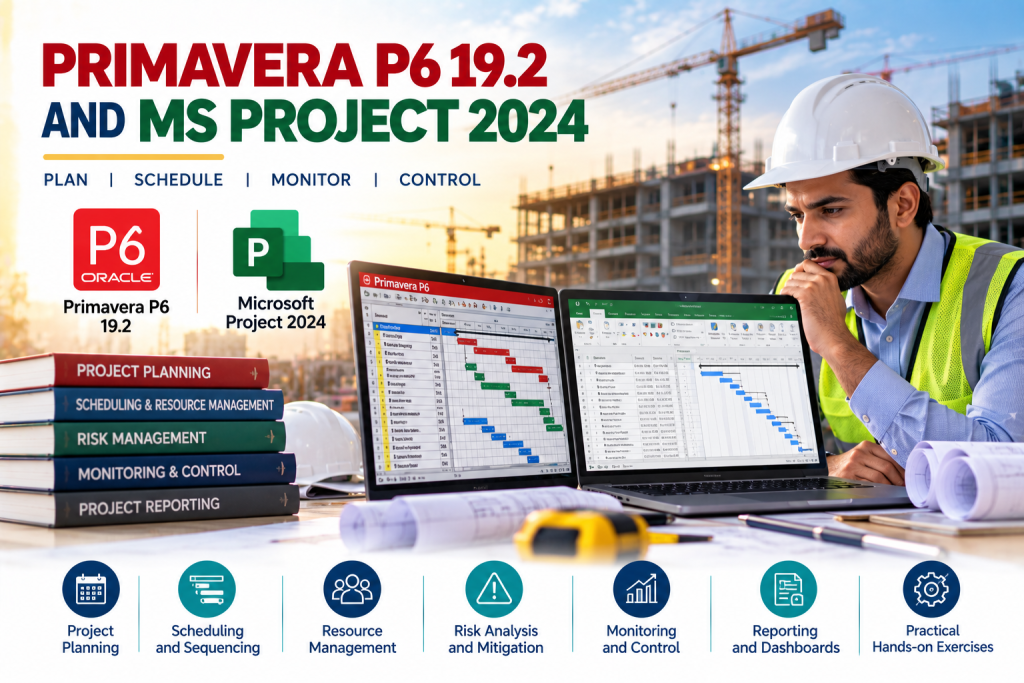
The program provides hands-on exposure on the latest versions of Primavera and Microsoft Project Software Applications to improve the capability of project management practitioners and for those who want to go on board in the world of project management.
Participants will create project plans, adjust project plan to account for schedule delays and over allocated resources, and analyze portfolios using Primavera P6 and Microsoft Project software applications. Participants will also learn how to customize the project workspace to monitor project progress and communicate with team members.
OBJECTIVES
After successful completion of this course, participants will be able to develop project scope, cost, schedule, risk, procurement, and other project components and documents; create and maintain baselines, update project progress and perform project monitoring and control activities; and create project reports.
KEY FEATURES
- Training on latest available Software releases of Primavera and MS Project.
- Training with Industry experienced PMP® and Primavera P6 Certified Trainer.
- 100% practical oriented approach.
- Complete implementation of real world projects.
- Comprehensive Digital Material with Step by step practice labs.
PROGRAM CONTENTS
MODULE I: PRIMAVERA P6 PROFESSIONAL
- Introduction to Oracle Primavera P6 Professional / EPPM versions
- General Navigation
- Creating Enterprise Project Structure (EPS)
- Creating Organizational Breakdown Structure (OBS)
- Linking EPS with OBS
- Understanding Enterprise-specific and Project-specific data
- Understanding Default Calendars
- Creating Customize Calendars
- Creating a new Project
- Understanding Project Attributes
- Creating Work Breakdown Structure (WBS)
- Understanding WBS Attributes
- Understanding Activity and Duration Types
- Adding New Activities
- Linking Activities (Dependency Determination and Logical Relationships)
- Analyzing Schedule (Critical Path, Fast Tracking etc.)
- Developing Schedule Model without Resources
- Creating Roles
- Creating Resource Pool
- Linking Resources with Roles
- Resource Assignment
- Understanding Resource Curves
- Understanding Resource Usage Profiles
- Developing Schedule Model without Resources
- Creating Project Risk Register
- Creating Project Issues Log
- Defining and Monitoring Thresholds
- Applying Global Change Tool
- Schedule Compression Tool
- Creating and Assigning Project & User Baselines
- Understanding the Percent Complete Types
- Updating Project Progress
- Project Tracking
- Project Reporting
MODULE II:
- MICROSOFT PROJECT
Initialize a Project
- Create a new project
- Create and maintain calendars
- Create custom fields
- Customize option settings
Create a task-based schedule
- Set up project information
- Create and modify a project task structure
- Build a logical schedule model
- Create a user-controlled schedule
- Manage multiple projects
Manage resources and assignments
- Enter and edit resource information
- Create and edit resource assignments
- Manage resource allocation
- Model project costs
Track and analyze a project
- Set and maintain baselines
- Update actual progress
- Compare progress against a baseline
- Resolve potential schedule problems
- Display critical path information
Communicate project information
- Apply and customize views
- Share data with other applications
- Configure and display reports and dashboards
METHODOLOGY
Hands on project management through software, activities, and assignments.
PARTICIPANT PROFILE
- Engineers
- Program/Project Managers
- Administrators/Planners/Schedulers
- Business Analysts
- Anyone who wants to boost Project Management & Planning / Scheduling skills and analysis
PROGRAM DURATION/DAYS
The program is of two and half months’ duration. Classes will be on Sundays (10:00 am to 4:00 pm).
LEARNING INVESTMENT
The fee for the entire program is Rs- 45,000 /- (Fees are Exclusive of All Taxes).
For Details & Registration
Diploma Office, Management House, Shahrah Iran, Clifton, Karachi
Voice Dir: (+9221) 99251 669 EPABX: (+9221) 9925 1711-14 Fax: (+9221) 9925 1715-16
Cell: 03432499855, 03337326730, 03122464635, 03333028660, E-mail: diplomakhi@pim.com.pk