About this program
Boost Your Workplace Efficiency with Digital Tools
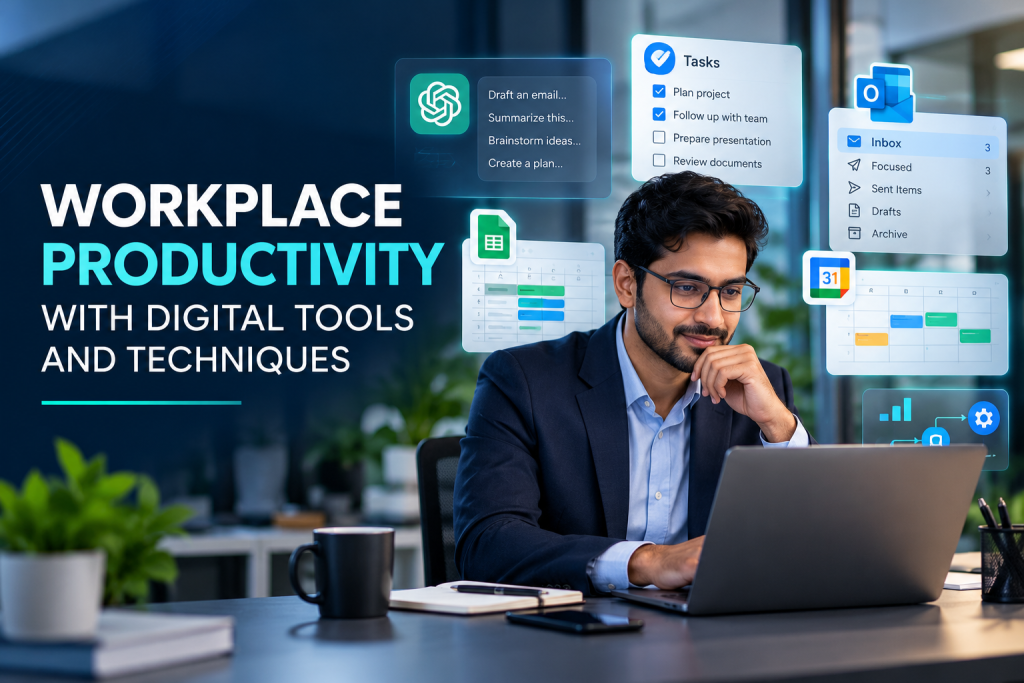
This two-day training is designed for managers and office staff who want to work smarter, not harder. Learn to harness powerful digital tools like ChatGPT, Custom GPTs, Google Task Manager, AI-powered email plugins, Google Sheets, and other free productivity utilities. By mastering these tools, you’ll streamline your daily workflows, enhance collaboration, and optimize resources for maximum productivity.
Course Contents
- Introduction to Productivity Tools
- Importance of productivity tools in modern workplaces
- Introduction to ChatGPT & Custom GPTs for task automation and communication
- Task Management with Google Task Manager
- Creating, organizing, and prioritizing tasks
- Using features for efficient task tracking
- Maximizing Efficiency with Microsoft Outlook
- Email management, scheduling, and task tracking
- Focused Inbox, Quick Steps, Calendar Scheduling Assistant
- Enhancing Email Communication with AI Plugins
- Overview of AI-powered email plugins
- Automating repetitive tasks and prioritizing messages
- Integration with Outlook, Gmail, and other clients
- Collaborative Document Management with Google Sheets
- Real-time collaboration & version history
- Data validation, conditional formatting, pivot tables
- Formulas like SUM, AVERAGE, and VLOOKUP
- Data analysis & manipulation functions
- Streamlining Scheduling with Shared Calendars
- Using shared calendars for coordination
- Managing events, meetings, and appointments effectively
- Exploring Other Free Productivity Utilities
- Free tools for task management, note-taking, and time tracking
Learning Outcomes
- Master key digital tools for task management & productivity
- Improve Time Management & Resource Utilization
- Enhance team collaboration via shared tools and calendars
- Apply data analysis techniques for informed decisions
Target Audience
- Managers aiming to boost team productivity
- Office staff handling admin tasks, email, and data
- Professionals seeking to streamline workflows with digital tools
Note: The Fee is Exclusive of GST.
Meet your instructor

Muhammad Aleem Habib
Senior Consultant / Trainer
Specialization: Microsoft Excel, Power BI, Generative AI, Team Building, First Line Supervision, Dashboards
View profileUpcoming sessions
AI
7–8 Dec 2026