
Program overview
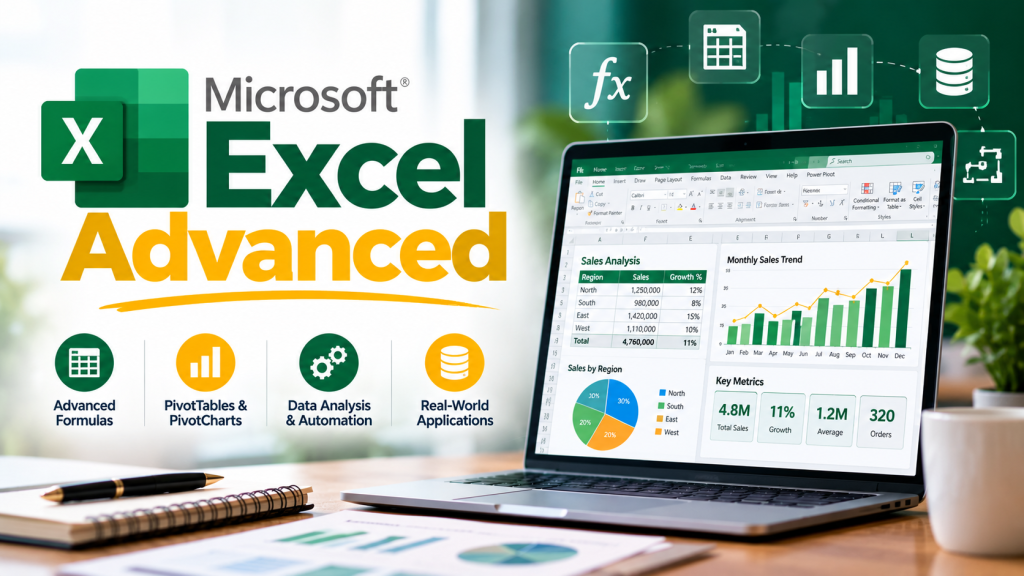
Master the Spreadsheet That Runs the Business World
3-Day Intensive | 9:00 AM – 4:00 PM | Nov 16 – 18, 2026 — PIM Karachi
Most professionals open Excel every single day — yet most never get past 20% of what it can actually do. The formulas stay basic, the reports stay manual, and the hours spent on tasks that should take minutes keep adding up. This workshop changes that. In 24 fully hands-on hours, you’ll go from knowing Excel to commanding it — functions, automation, dashboards, and all.
🎯 What You’ll Gain
After the workshop, you will be able to:
- Master Excel’s most powerful functions — from logical and lookup formulas to advanced statistical and text operations
- Build dynamic reports and dashboards using Pivot Tables, Pivot Charts, and Slicers that update with a click
- Transform raw, messy data into clean, structured insights using Power Query and Flash Fill
- Automate repetitive, time-consuming tasks with Macros — and reclaim hours every week
- Apply Conditional Formatting, Smart Tables, and Array Formulas to make your spreadsheets smarter and faster
- Solve real business problems with confidence — and earn the credibility that comes with being the Excel expert in the room
👥 Who Should Attend?
If you work with data — whether you’re a business analyst, financial professional, reporting specialist, or operations staff member — and you’ve ever felt like Excel should be doing more of the heavy lifting, this course is built for you. It’s also ideal for anyone who has been self-teaching Excel in bits and pieces and wants to finally close the gaps with structured, expert-led training. No matter where you’re starting from, you’ll leave as a confident Excel power user.
📋 Key Course Modules
- Essential Math, Stats & Text Functions
- Date & Time Functions
- Logical Functions: IF, IFS, AND, IFERROR & more
- Power Functions: SUMIFS, COUNTIFS, AVERAGEIFS
- D-Functions: DSUM, DAVERAGE, DMAX, DMIN
- Lookup Functions: VLOOKUP, HLOOKUP, INDEX, MATCH, CHOOSE
- Named Ranges & Name Manager
- Smart Tables, Array Formulas & 3D Formulas
- Flash Fill for Data Transformation
- Charts: Column, Line, Bar, Pie & Combo
- Pivot Tables, Pivot Charts & Slicers
- Power Query: Get & Transform Data
- Macros for Task Automation
- Conditional Formatting & Excel Tips & Tricks
📚 How We Learn
Expect a fully hands-on experience — every concept is applied immediately on your own machine. Sessions are built around:
- 100% hands-on, application-based exercises
- Real-world business scenarios and datasets
- Step-by-step walkthroughs with live practice
- Individual problem-solving challenges
- Tips, shortcuts, and expert techniques you won’t find in tutorials
Note: The fee is exclusive of GST.
Meet your instructor

Muhammad Aleem Habib
Senior Consultant / Trainer
Specialization: Microsoft Excel, Power BI, Generative AI, Team Building, Dashboards
View profile